


How to activate your travel card
- Money app
- Online Banking
Did you know that you can activate your travel card in just a few steps?
Here’s how:
- Log in with your Nedbank ID, app PIN or fingerprint
- Select Cards
- Select the travel card you want to activate overseas notifications for
- Select use card overseas
- Enter your travel dates, the countries you are visiting and your contact details while overseas
- Review and select Submit
And you're done.
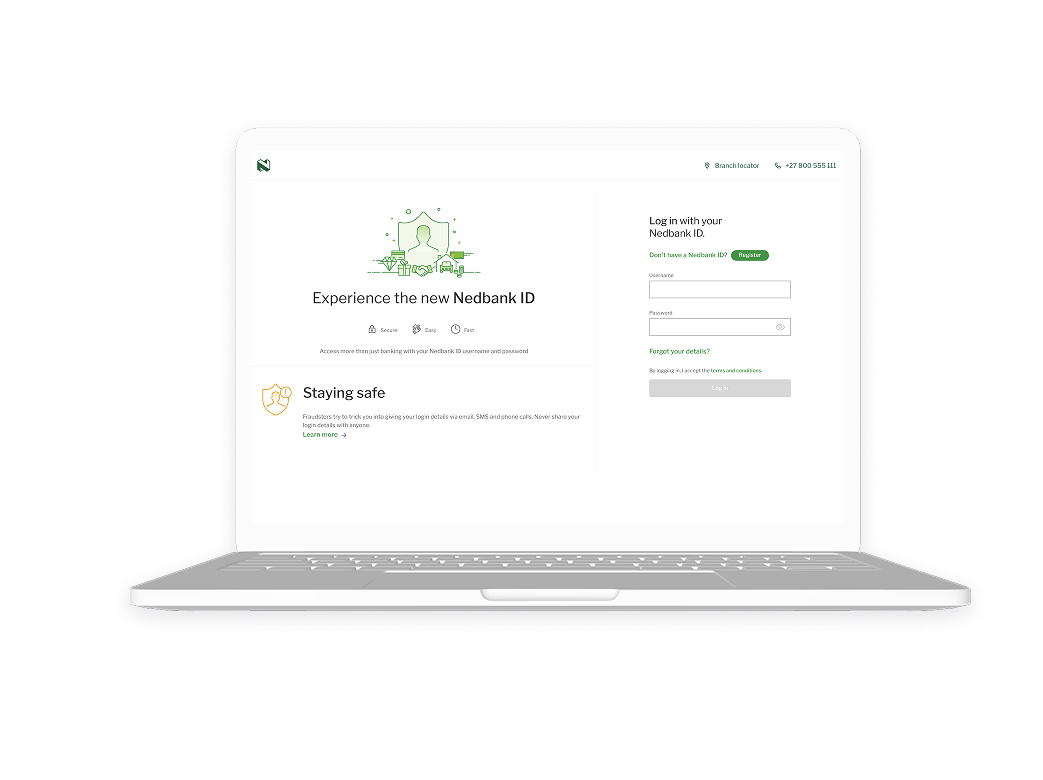
Did you know that you can activate your travel card in just a few steps?
Here’s how:
- Log in with your Nedbank ID or QR code.
- Click Cards
- Click the travel card you want to activate overseas notifications for
- Click use card overseas
- Enter your travel dates, the countries you are visiting and your contact details while overseas
- Review and click Submit
And you're done.
