


How to make a payment using PayShap
- Money app
- Online Banking
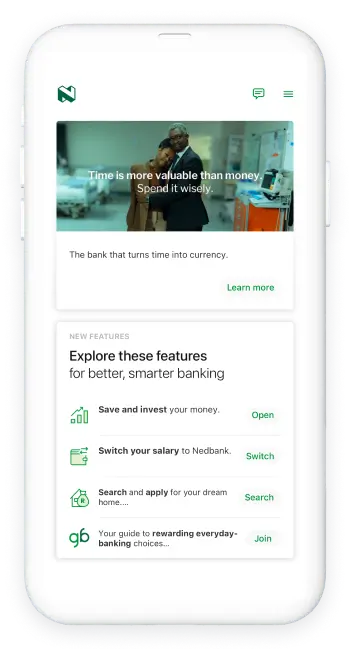
Did you know that you can make and receive secure bank account payments immediately using PayShap in just a few easy steps?
Here’s How:
- Log in with your Nedbank ID, app PIN or fingerprint.
- Select PayShap on the widget.
- Select Pay to Account or pay to ShapID.
- Enter the recipient's details.
- Enter the amount.
- Review the details and select Pay.
And you're done.
An Approve-It message will pop up. Accept or reject it.
You can instantly send and receive a PayShap payment of up to R5,000 a day at participating banks.
For more information on PayShap fees and to manage your limits, visit www.nedbank.co.za.
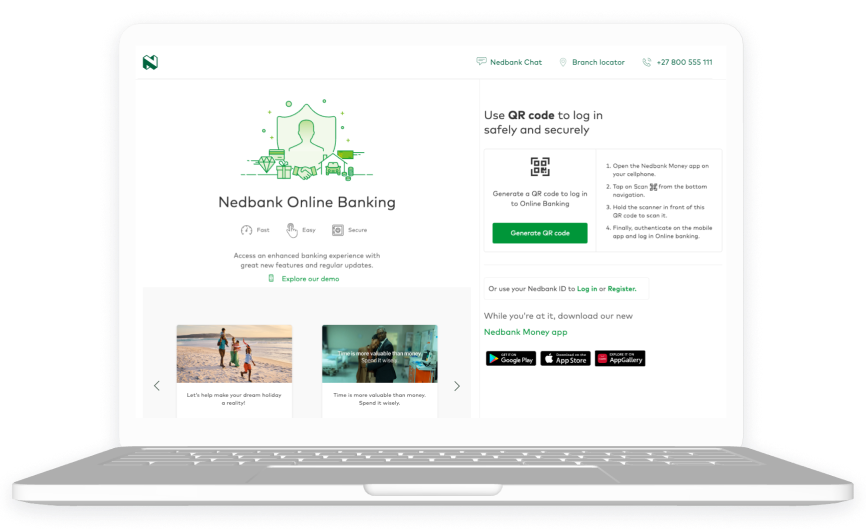
Did you know that you can make and receive secure bank account payments immediately using PayShap in just a few easy steps?
Here’s How:
- Log in with your Nedbank ID.
- Click Pay and click Single payment.
- Select PayShap on the widget.
- Select pay to Account or pay to ShapID.
- Enter the recipient’s details.
- Enter the amount.
- Review the details and select Pay.
And you're done.
An Approve-It message will pop up. Accept or reject it.
You can instantly send and receive a PayShap payment of up to R5,000 a day at participating banks.
For more information on PayShap fees and to manage your limits, visit www.nedbank.co.za.

Your feedback was successfully submitted
Thank you for taking the time to help us understand how best we can improve your digital banking experience.
