


How to Register for a ShapID
- Money app
- Online Banking
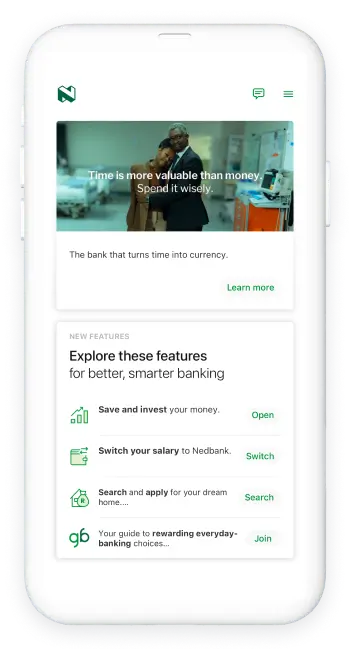
PayShap is a payment method that gives Nedbank clients the ability to make and receive payments in real time to an account alias (or ShapID).
Did you know you can register for a ShapID in just a few easy steps?
Here's how:
- Log in with your app PIN, fingerprint, or Nedbank ID.
- Select the PayShap widget then select Manage ShapID.
- Select Register a ShapID,and select the account you want to link your PayShap.
- Select Register.
And you’re done.
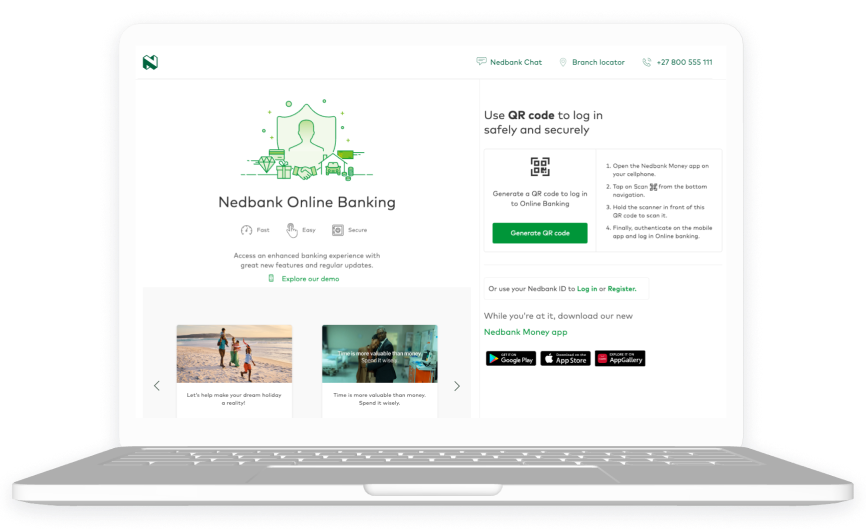
PayShap is a payment method that gives Nedbank clients the ability to make and receive payments in real time to an account alias (or ShapID).
Did you know you can register for a ShapID in just a few easy steps?
Here's how:
- Log in with your Nedbank ID.
- Click on the PayShap widget then Manage ShapID.
- Click on Register a ShapID and choose the account you want to link your PayShap.
- Click Register.
And you’re done.

Your feedback was successfully submitted
Thank you for taking the time to help us understand how best we can improve your digital banking experience.
