How to top up with an international bundle
- Money app
- Online banking
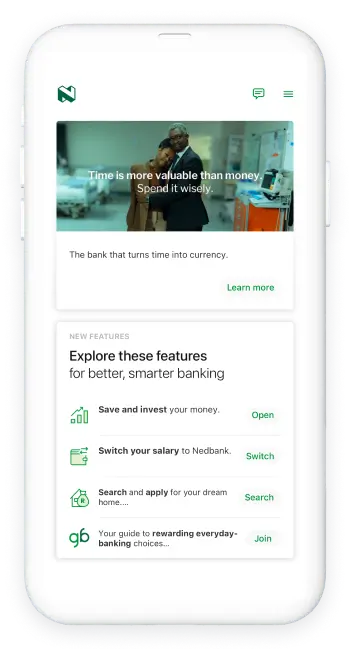
Stay in touch with family, friends and colleagues from wherever you are in the world.
- Log in with your app PIN, fingerprint, or Nedbank ID.
- Select the Nedbank Connect widget.
- Select Top Up for the SIM to add the international bundle.
- Select Nedbank Connect.
- Scroll to the right for either Full Int. Roaming or Voice & SMS Int. Roaming.
- Select your preferred option.
- Choose the account you want to pay from.
- Review your details and select Pay.
Note: The options displayed are within your available daily limit. Update your limit for more options.
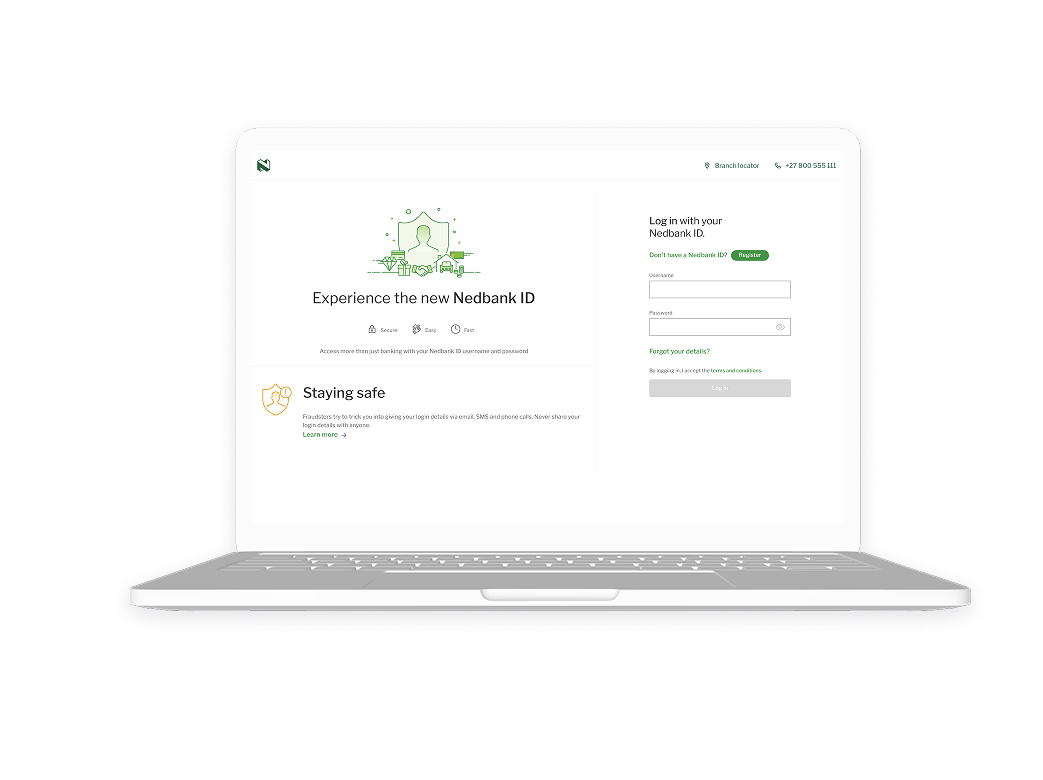
Stay in touch with family, friends and colleagues from wherever you are in the world.
- Log in with your Nedbank ID or QR code.
- Select the Nedbank Connect widget.
- Select Top Up for the SIM to add the international bundle.
- Select Nedbank Connect.
- Choose Full Int. Roaming or Voice & SMS Int. Roaming.
- Select your preferred option.
- Choose the account you want to pay from.
- Review your details and select Pay.
Note: The options displayed are within your available daily prepaid limit. Update your prepaid limit for more options.