


How to pay a PayShap Request
- Money app
- Online Banking

- Log in to the Money app.
- Select the PayShap Request widget.
- Choose the request you want to action under Recent requests.
- Review the request and select Accept.
- Type in the amount you would like to pay.
- Choose the account from which you would like to pay.
- Review the details of the payment and select Pay.
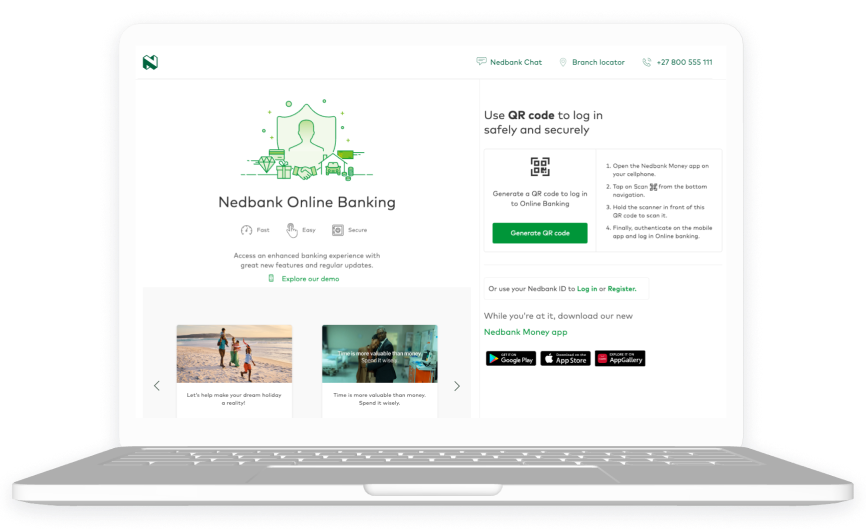
- Log in to Online Banking.
- Go to Payshap Request.
- Select the PayShap Request widget.
- Choose the request you want to action under Recent requests.
- Review the request and select Accept.
- Type in the amount you would like to pay.
- Choose the account from which you would like to pay.
- Review the details of the payment and select Pay.
See how to decline a PayShap Request

Your feedback was successfully submitted
Thank you for taking the time to help us understand how best we can improve your digital banking experience.
