How to add a plan
- Money app
- Online Banking
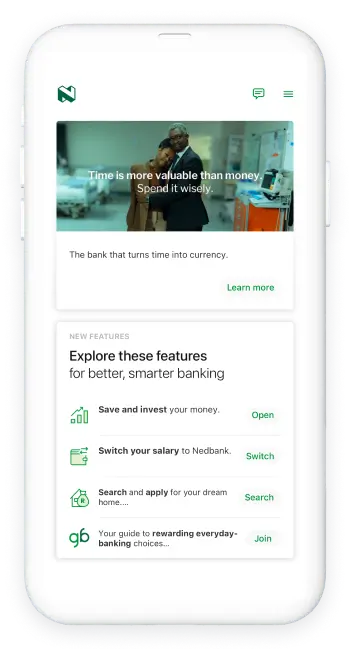
- Log on with your Nedbank ID, app PIN or fingerprint
- Select Nedbank Connect
- A list of your SIMs will be displayed
- Tap on Add a plan
- Select the account to pay from
- Tap Pay now and complete payment
And you're done.
Things to note:
- If you obtain a Nedbank Connect SIM from one of our branches, you will activate it at the bank as part of your application process.
- If you opted to port your number during your application, you will be taken to the porting screens. Follow the prompts and wait for confirmation that your number has been successfully ported.
- Didn’t choose porting when you applied? You can still port your existing number later.
Find out how here.
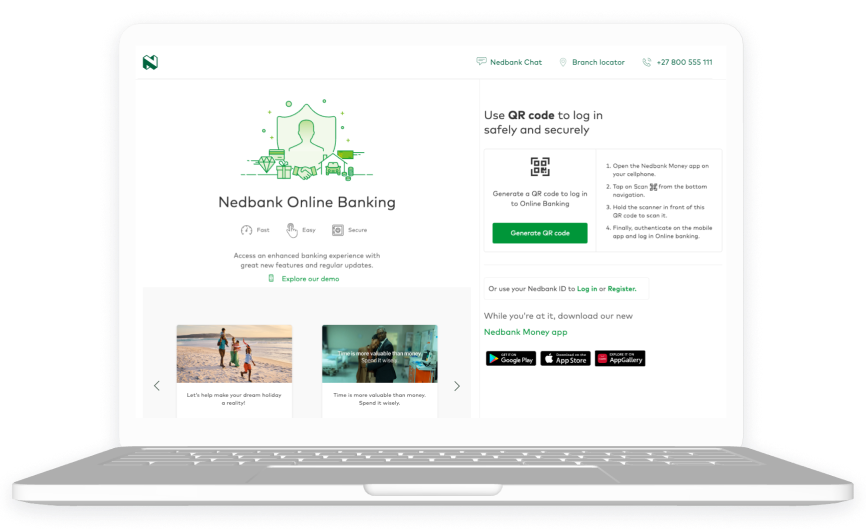
- Log on with your Nedbank ID or QR code
- Select Nedbank Connect
- Go to Manage for the SIM where you want to add a plan
- Select Add a plan at the bottom of the screen
- Choose your preferred plan from the available options
- Confirm your selection to activate the plan
And you're done.
Things to note:
- If you obtain a Nedbank Connect SIM from one of our branches, you will activate it at the bank as part of your application process.
- If you opted to port your number during your application, you will be taken to the porting screens. Follow the prompts and wait for confirmation that your number has been successfully ported.
- Didn’t choose porting when you applied? You can still port your existing number later.
Find out how here.