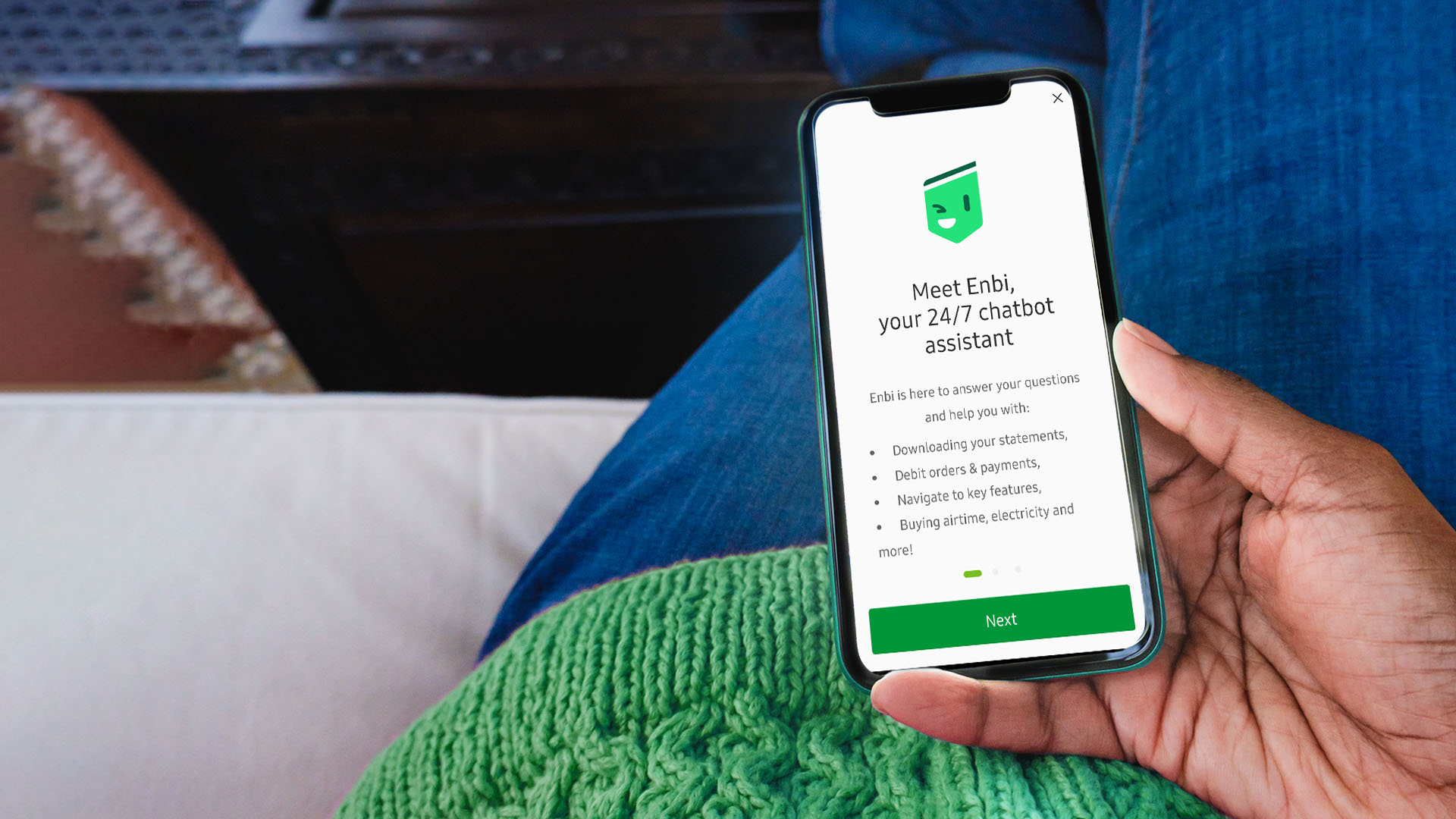
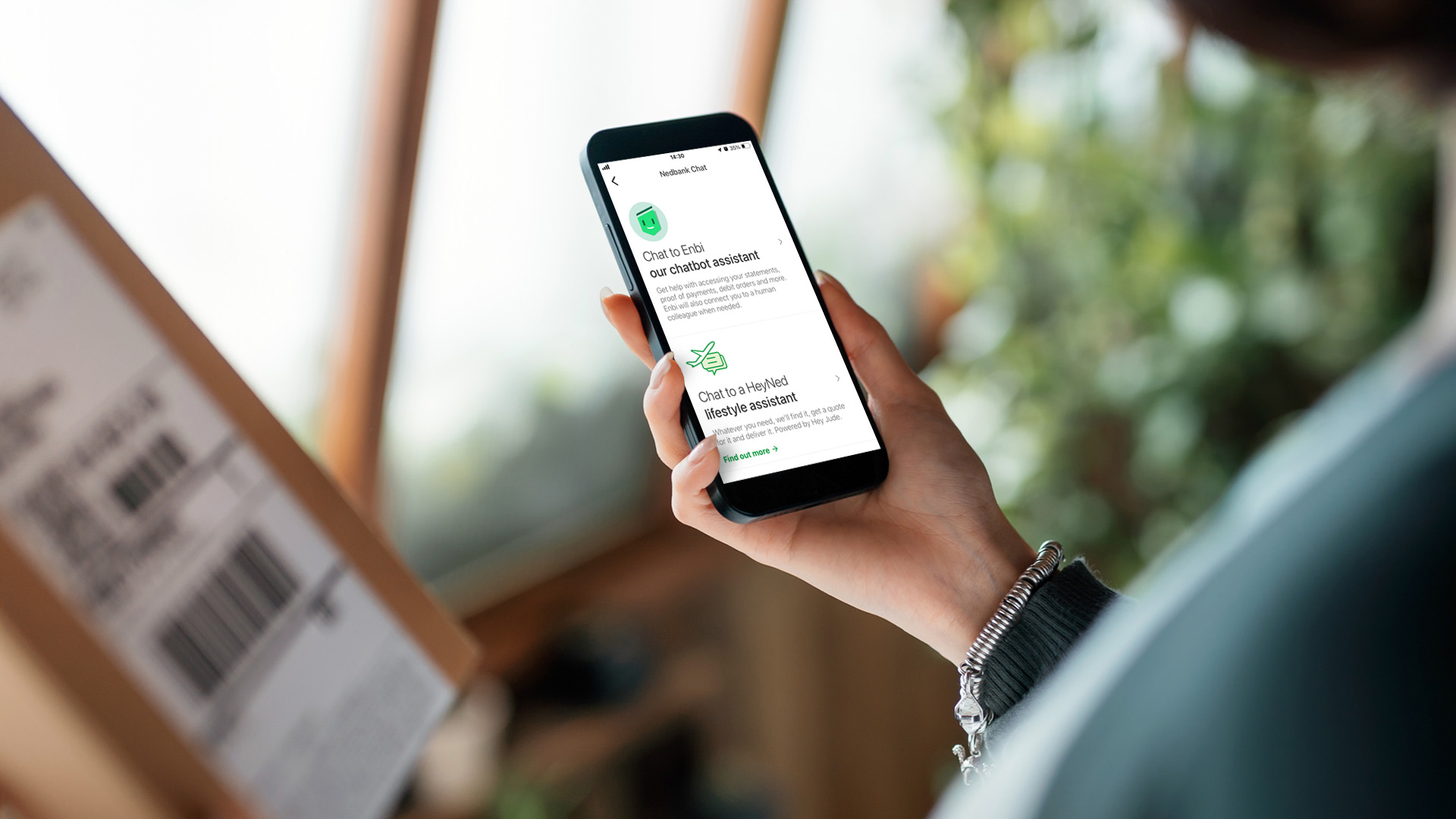
Enbi is Nedbank’s digital assistant – a smart chatbot designed to help you with all your banking questions, guide you through Online Banking and the Money app, and is available for quick, easy 24/7 support.
It’s simple. Chat to Enbi in your Money app or Online Banking and it will guide you step-by-step through reversing a debit order. Just select Debit orders, pick the relevant account and scroll to Active Debit Orders. Choose the disputed debit order to see if it can be reversed.
Select the chat icon on the Money app or Online Banking, ask about profile limits, and Enbi will walk you through the steps to view or change them, quickly and easily.
Yes – it’s part of what makes Enbi your self-service banking companion. It uses deep links to take you directly where you need to be, saving you time and effort.
Enbi is available 24/7 to answer your questions, guide you through secure banking transactions, help you explore features and navigate the Money app and Online Banking with ease.
It’s easy – just tap the chat icon on the Money app or Online Banking and Enbi will guide you through all your banking tasks and questions.
By using navigational deep links and encrypted channels, Enbi keeps your data protected – ensuring secure transactions, while making it easy to navigate features.
No, you can use Enbi without logging in, and it’s there to help you if you run into login issues.
Type Chat to an agent and it will connect you to one of our human colleagues for help.
No, but it can put you in touch with someone who can.
Yes – logging in to Enbi not only keeps your data safe, but helps ensure that your interaction with our chatbot assistant is tailored to your personal needs.
Enbi’s answers come from verified Nedbank information and are regularly reviewed and updated by our teams to keep to be accurate, helpful and up to date.
AI is changing the world of banking in wonderful ways. Ready for the ride?
Staff writer
Published 11 Jun 2024
We use cookies to improve your experience.
Manage cookie preferences
Consent
Cookie notice
About
Cookies improve the functionality of our website and your experience across our online channels. You can find out more about the cookies we use and manage your preferences here.
You can opt-out of selected cookies using the toggles below and click Confirm to save your preferences.
By clicking Accept all you consent to our use of cookies.
Strictly necessary cookies (always-on)
These cookies are necessary for our website to function. They can be disabled only by changing your browser preferences. Please note that disabling them may prevent this website or specific features from functioning or being displayed correctly on your device.
Personalisation cookies (always-on)
These cookies help us remember your preferences and tailor your experience on our website, so we can show you more relevant content and features, such as location and language preferences. We do not track your internet usage after you have left our website.
Performance cookies (always-on)
These cookies collect anonymous information about how you use our website to help us improve its performance without collecting personal information.
These temporary session cookies are active only while you browse our website. They remember your activity during a session and are deleted when you leave our website.
Marketing cookies
These cookies help us show you advertisements that are relevant to you and measure the effectiveness of our advertising campaigns based on your interactions with these advertisements.
They remain on your device until they expire or you delete them. They remember your preferences across visits.
Cookies improve the functionality of our website and your experience across our online channels. They help us identify which pages are used most often and analyse webpage traffic. We use this information for statistical analysis only and remove it from our system. We do not record your internet usage after you have left our website.
Cookies are very small text files that may be stored on your computer or mobile device when you visit a website. You can manage your cookie settings in your internet browser. Most web and mobile browsers automatically accept them, but you can modify your browser settings to manage them. However, this may prevent you from taking full advantage of our website experience. Your cookie settings will also affect other websites you visit.
Please read our Privacy Notice to learn how to manage cookie preferences in your browser.
By clicking Accept all you consent to our use of cookies.